
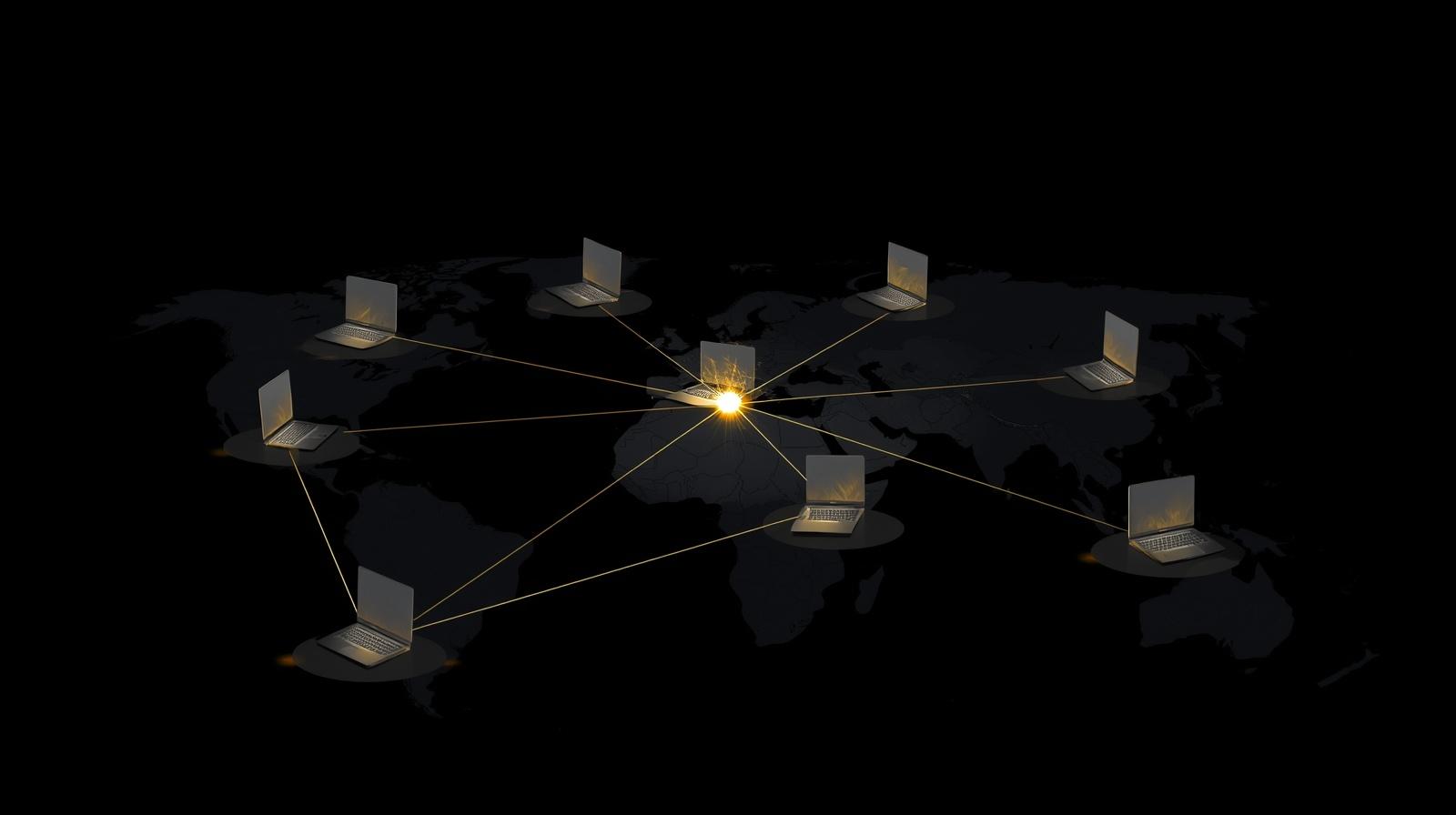
Remote work didn't just change where people work. It broke the entire model IT was built on. The IT closet. The network perimeter. The person who could walk a laptop over to the helpdesk. All of that assumed physical proximity, and remote teams don't have it. What most IT teams have instead is a patchwork of workarounds that sort of works, until it really doesn't.
Remote device management isn't just a logistics challenge. It's a security challenge, a support challenge, and an asset visibility challenge all at once. Getting it right requires rethinking each of these from first principles rather than bolting remote solutions onto office-era infrastructure.
The specific challenges of remote device management
Provisioning is the first hurdle. When a new hire in Amsterdam needs a laptop, you have four options: ship from a central warehouse (slow, expensive, customs-prone), procure locally (inconsistent specifications, no MDM pre-enrollment), rely on the employee to set it up themselves (painful, insecure), or use a zero-touch provisioning platform that ships a pre-configured device directly. Only one of those options scales.
Support is the second challenge. Remote employees can't bring a broken laptop to IT. They're often the only IT-capable person in their location. When something goes wrong, IT has to diagnose and fix it over a video call, through remote access tools, or not at all. The ratio of support time to resolution time is higher for every remote ticket than for every office ticket. That compounds fast as the team grows.
Security is the third. Remote devices connect from networks IT doesn't control: home routers, hotel wifi, coffee shops. Endpoint protection has to be non-negotiable, and it has to be enforced via MDM policy rather than network-level controls. If a device goes rogue or gets stolen, you need to be able to wipe it remotely within minutes, not days.
"The average cost of a lost or stolen laptop is $49,000 when you factor in data breach risk. The average time for an IT team to detect and act on a missing remote device is 9 days."
What remote-first IT infrastructure actually looks like
Remote-first IT is built around four capabilities. First, cloud-native identity: every user authenticates against a cloud identity provider, not a domain controller in an office. Second, MDM with zero-touch: every device enrolls automatically, receives its configuration remotely, and stays under management regardless of location. Third, cloud-delivered security: endpoint protection, DNS filtering, and web gateways that work on any network. Fourth, async-capable support: the helpdesk can diagnose and resolve most issues without a synchronous call, using remote access and AI-assisted triage.
Practical tips for managing remote laptops at scale
- Use zero-touch provisioning for all new hires: device ships pre-enrolled, self-configures on first boot
- Require MDM enrollment before any device accesses company systems, no exceptions
- Configure automatic lock, encryption, and screen timeout via MDM policy, not user discretion
- Deploy a remote access tool (not just TeamViewer) that IT can use without user intervention for diagnostics
- Maintain a regional warehouse network or partner with a local logistics provider for faster delivery times
- Build an async support playbook: documented self-serve steps for the 20 most common issues
- Set up geolocation reporting for all enrolled devices, and alerts for unexpected location changes
- Run quarterly MDM compliance checks and automatically flag devices out of policy
- Establish a device return process with pre-paid shipping labels, clear timelines, and automated reminders
The cost of getting remote device management wrong
Remote IT failures are expensive in ways that don't always show up in a single line item. A new hire who spends three days waiting for a working laptop is not fully productive for three days. A security incident involving an unmanaged device in a remote location can take weeks to contain. A departed employee whose laptop never comes back is a $1,500 hardware loss plus whatever data was on it.
The companies running remote teams well are the ones that invested in the infrastructure early: a real MDM setup, a provisioning partner with global reach, and a helpdesk that can resolve issues asynchronously. The companies that are still improvising are paying a tax on every hire, every departure, and every support ticket.